
How it works
Three ways to get a great laptop
Every SuperLaps laptop is a specific, inspected unit. You can try it first, buy it outright, or rent it by the month.
Try it free
A test drive, for laptops.
- ChoosePick any laptop marked Try free.
- BookChoose a studio or doorstep slot. It costs nothing.
- ExperienceType, stream, run your own apps. Take your time.
- DecideBuy it, rent it, try another, or simply leave.
Buy it
Own it, with nothing left to guess.
- DiscoverBrowse by budget, use or brand.
- CompareLine up laptops side by side.
- InspectRead the Laptop Passport: battery, marks, parts.
- BuyPay securely. Prices include taxes.
- ReceiveInsured delivery, set up and ready.
Rent it
Monthly plans without the big deposit.
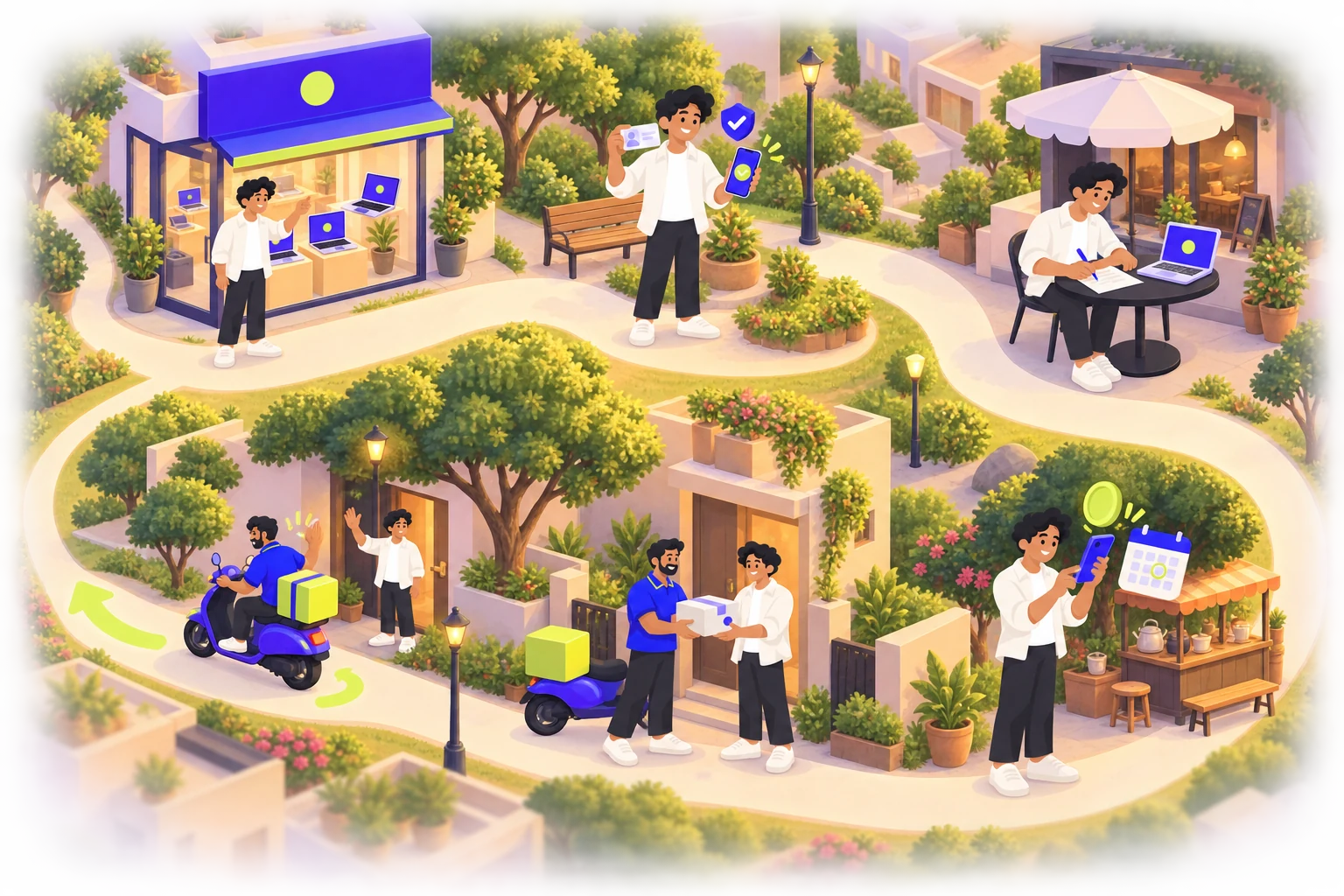
- ChoosePick a laptop and a plan length.
- VerifyA quick identity check keeps deposits low.
- SignReview a plain-language rental agreement.
- PayOne month's rent in advance.
- ReceiveDelivered with a recorded condition report.
- ReturnWe collect it and check it against the delivery report.
The Laptop Passport
Each laptop comes with its own record from our workshop: every inspection check, battery health measured as a share of its original capacity, every cosmetic mark photographed, any part replaced, and a certified data wipe. You read it before you pay.

Our online store is opening soon. Until then, you can reach us through the contact page.